Avionté, Supercharged.
Keep Avionté as your system of record and layer GLYDE Unity's AI and Microsoft 365 experience on top — conversational search, outreach, and automation grounded in your live Avionté data.
You run Avionté for light industrial staffing — front office and back. GLYDE Unity makes all of it the smartest system in your stack — no rip-and-replace.
GLYDE Unity plugs into the Avionté you already run with a secure, live two-way link — no migration. Your Avionté data instantly gains Microsoft's reach and AI, while Teams, Outlook, and Copilot finally understand your candidates and jobs — each side making the other more valuable. Your team works wherever they already are — Teams, the browser, or mobile — with Avionté always the source of truth.
Avionté + GLYDE Unity + Microsoft 365


AI on Top of Avionté
Everything below is grounded in your live Avionté records.
Conversational Search
Ask in plain language across your Avionté candidates and jobs, with deep links back to the Avionté record.
Write-Back Actions
Outreach, notes, and status updates flow back to Avionté and log as activity automatically.
Everywhere You Work
Bring Avionté into Teams, Outlook, email, the browser, and mobile — the same recruiting power wherever your team already is.
Agents for Everyone, 24/7
Give candidates, clients, and associates their own self-serve agent on your Avionté data — it greets, answers, screens, and applies around the clock.
Back-Office & Payroll Agents
Avionté runs your back office too. Deploy an agent that answers payroll and timesheet questions for your workers and clients — 'when do I get paid?', 'did my hours go through?' — without tying up your team.
Spreadsheets, Handled
Light industrial staffing runs on spreadsheets. Our agents and Power Automate flows read your Excel and CSV files — and create or enrich them straight from your Avionté data — so the busywork just disappears.
Secure Connector
Authentication and sessions are managed automatically and scoped to your tenant.
No Migration
Nothing to move. Connect Avionté and start working — your data stays in Avionté.
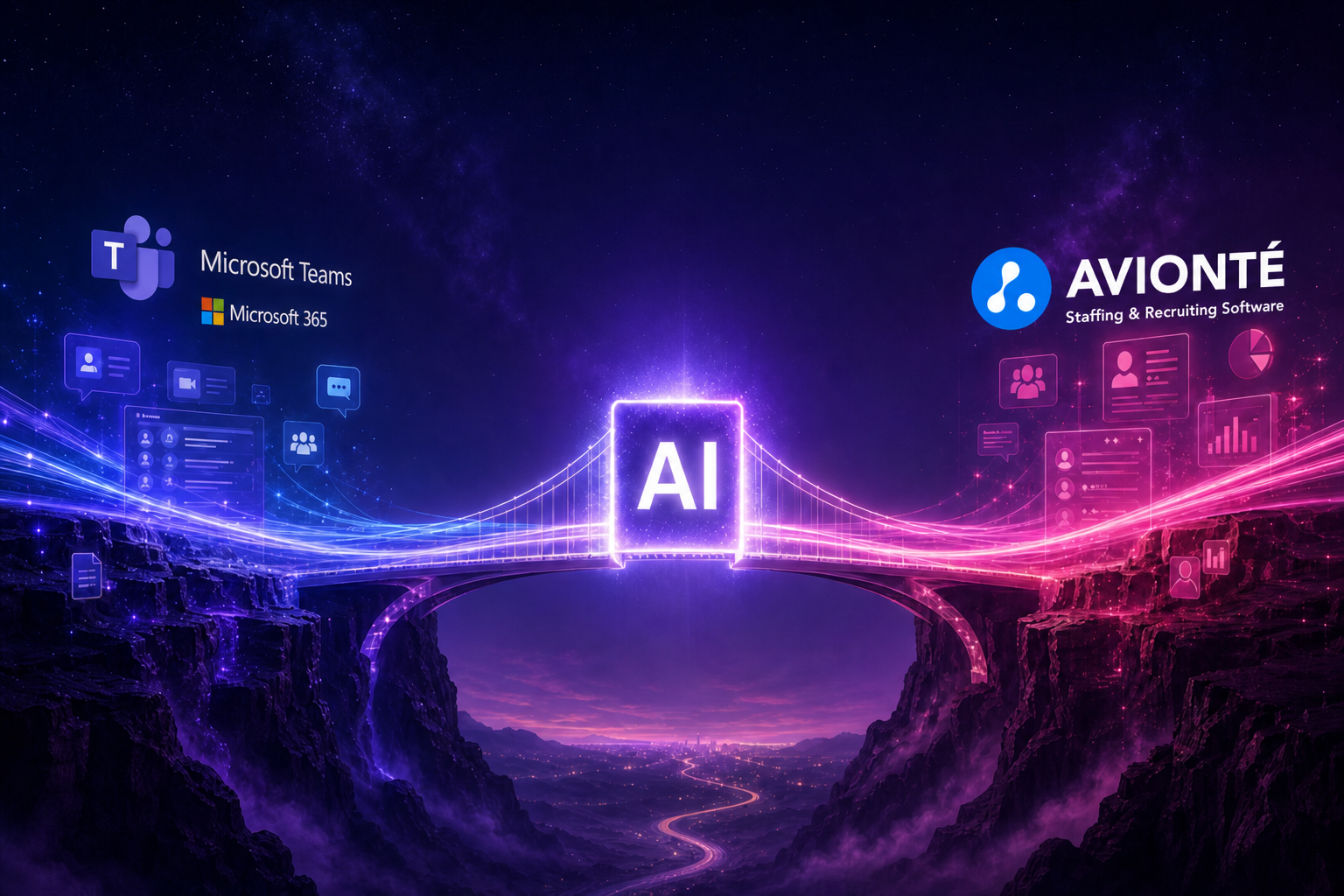
GLYDE Unity bridges Avionté and your Microsoft stack
Your Data Stays in Avionté
Drop in a Spreadsheet. Let AI Do the Work.
Recruiters don't just live in the ATS — they live in spreadsheets. Attach an Excel of candidates, drop a CSV or PDF, or paste any URL, and GLYDE Unity reads every row so the agent can screen, draft outreach, or import the records straight into your ATS.
Export to CSV, open in Excel, copy rows into a brief
Attach the .xlsx — AI reads every row and drafts your outreach
Key a vendor or lead list into the ATS, row by row
"Import the companies from this sheet" — done in one message
Paste a PDF resume or a LinkedIn URL and hope it parses
Drop the file or URL in — it becomes live context the agent reasons over
Agentify Everything You Connect
GLYDE Unity doesn't bolt an assistant onto one tool. Connect a system and it becomes available to your agents and Copilot automatically — so every app, record, and workflow gets a smart assistant you can talk to in plain English, and that actually gets the job done.
An agent on everything
Every connected system, record, and workflow gets its own assistant you can talk to — one that takes action, not just looks things up.
AI-ready the moment you connect
Connect a tool and it becomes available to your agents and Copilot automatically. No special project, no wiring exercise.
One way to work, everywhere
A single, consistent way to act across every connected system — learn it once, use it the same way everywhere.
Build your own with MCP & API
Use the MCP layer and REST API to extend agents to custom systems and bespoke workflows your team depends on.
Set It. Schedule It. Forget It.
Don't just ask the agent for an answer — tell it what to do and when. Schedule messages, reports, status checks, reminders, and automatic follow-ups, then let them fire on time from the mobile app, Teams, or your browser.
Add AI to Avionté — Keep Avionté
Connect Avionté to GLYDE Unity and bring AI and Microsoft 365 to your live Avionté data. No migration.